Categories
Flight Simulation

Elk River (NC06) to Mountain Air County Club (2NC0) with MSFS 2020.

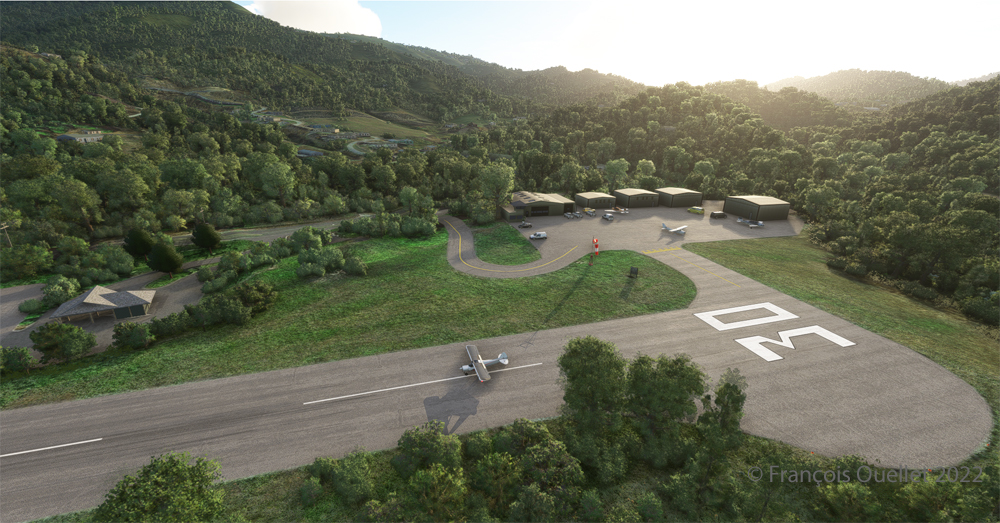
Ready for departure at the Elk River airport (NC06) created by Cloud Studio.

Today’s twenty-minute virtual flight is conducted using Microsoft MSFS 2020 flight simulation software. The virtual airport at Elk River (NC06)   in the United States, modeled here by Pilot’s, is located at approximately 3468 feet (ft) above sea level (MSL). Its sloped 12/30 runway can accommodate many types of aircraft as its dimensions are still 4600 feet long by 75 feet wide. A golf course is located near the airport facilities.
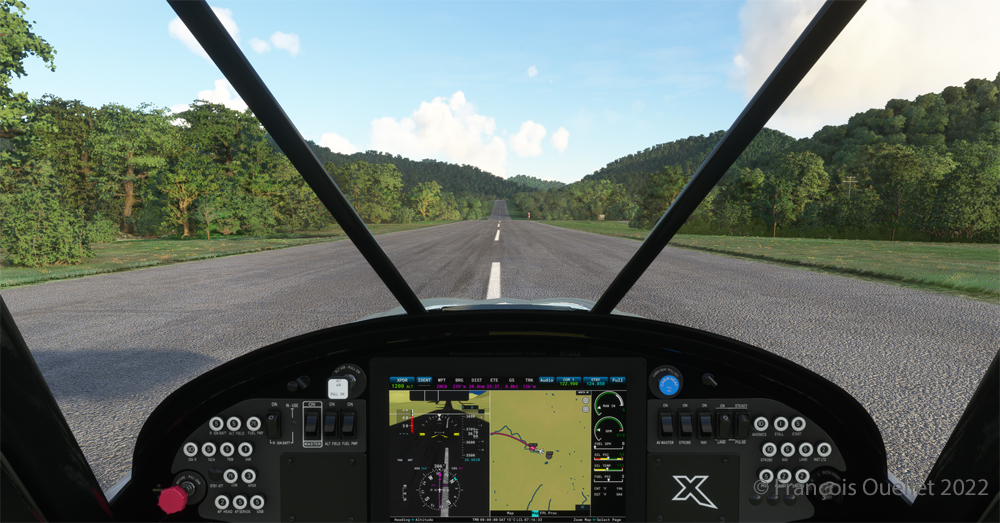
The sloped runway of the Elk River airport (NC06) with the MSFS 2020 flight simulator.

In the distance, the end of runway 30 can be seen rising rapidly. The trip to Mountain Air County Club Airport (2NC0), modeled by Cloud Studio, is made with a single engine Cubcrafters NX Cub.
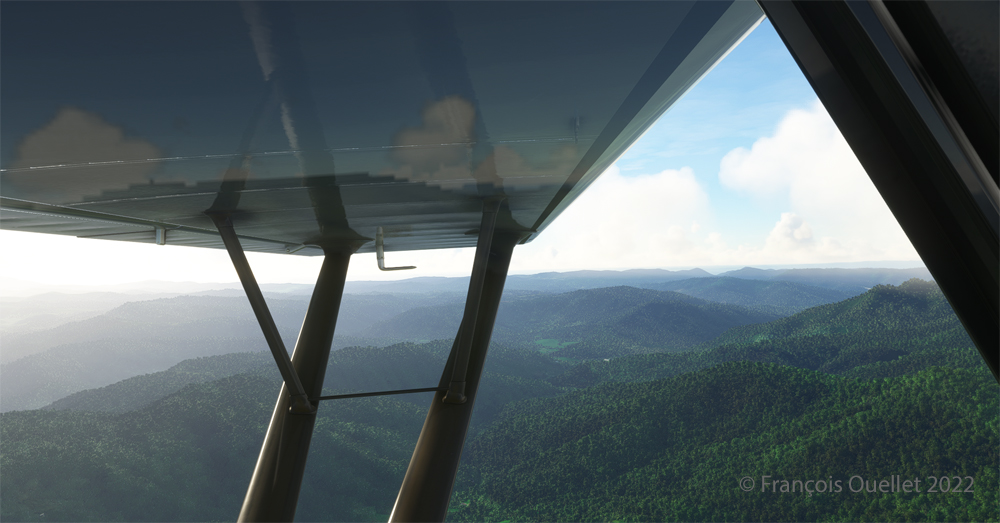
Enroute towards the Mountain Air County Club (2NC0) airport from Elk River (NC06) with MSFS 2020.

In direct flight with GPS, the virtual pilot will have to climb at around 7000 feet msl to avoid the surrounding mountains. It is therefore important to adjust the air/fuel mixture during climb and descent for the destination. Also, don’t forget to adjust the altimeter (press “B”) as you move away from the point of departure. Near the summits, you will experience mechanical turbulence, which is normal.
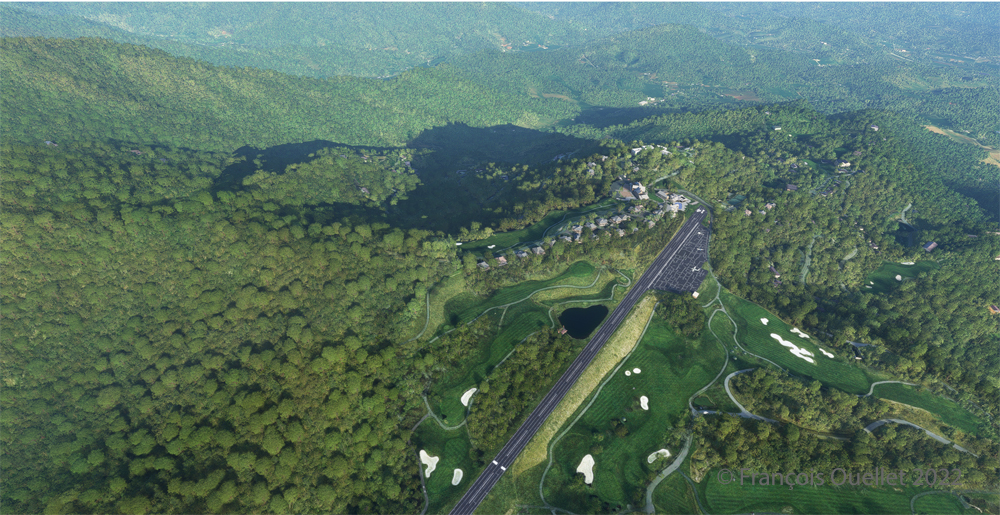
Aerial view of the Mountain Air County Club (2NC0) airport created by Pilot's.
Aerial view of the Mountain Air County Club (2NC0) airport created by Pilot’s.

The photo above shows the virtual airport of Mountain Air County Club (2NC0) with the MSFS 2020 flight simulator. The sloped runway is 2900 feet long and only 50 feet wide. A golf course surrounds this airport located at 4432 feet MSL. Since the winds are light, the approach will be on runway 14.
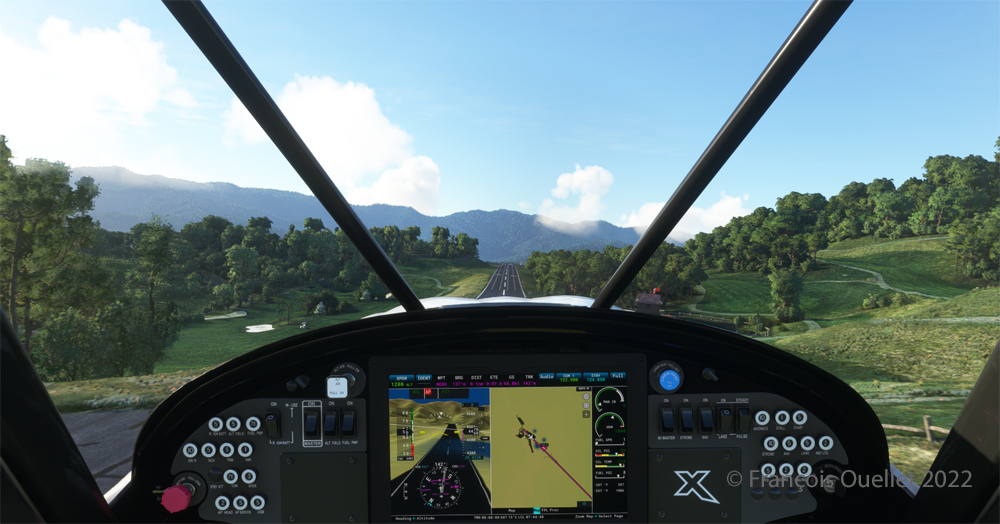
On final for the sloped runway of the Mountain Air County Club (2NC0) airport using MSFS 2020.

On final approach, it is easy to see the uphill angle of this airstrip, which is slightly more damaged than the one at Elk River.
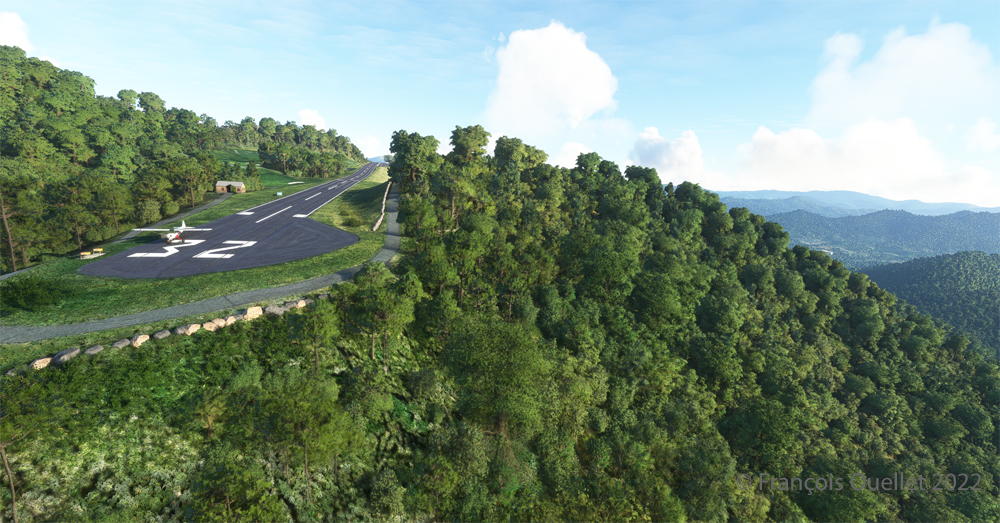
A view of the cliff at the threshold of runway 32 at the 2NC0 Mountain County Air Club airport created by Pilot's pour MSFS 2020.
A view of the cliff at the threshold of runway 32 at the 2NC0 Mountain County Air Club airport created by Pilot’s pour MSFS 2020.

As we continue to taxi to the end of runway 14, we notice the cliff that awaits the pilot who has not properly prepared his landing. No forgiveness!
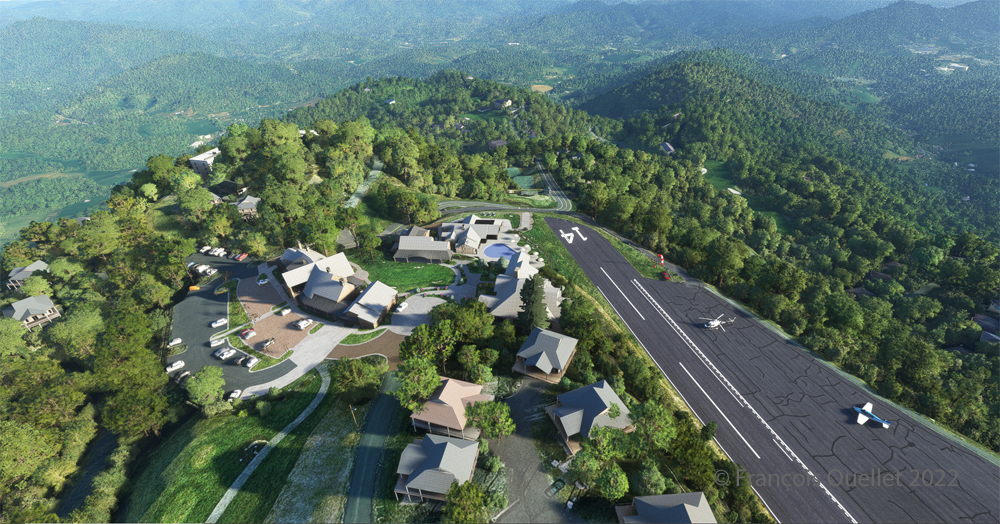
View from above of the Mountain Air County Club airport 2NC0 with the MSFS 2020 flight simulator.

An elevated view shows the threshold of runway 14 and the buildings associated with the golf club. A few golf loving pilots have already parked their aircraft to the left of runway 14. For this screenshot, I used the excellent X-BOX drone.
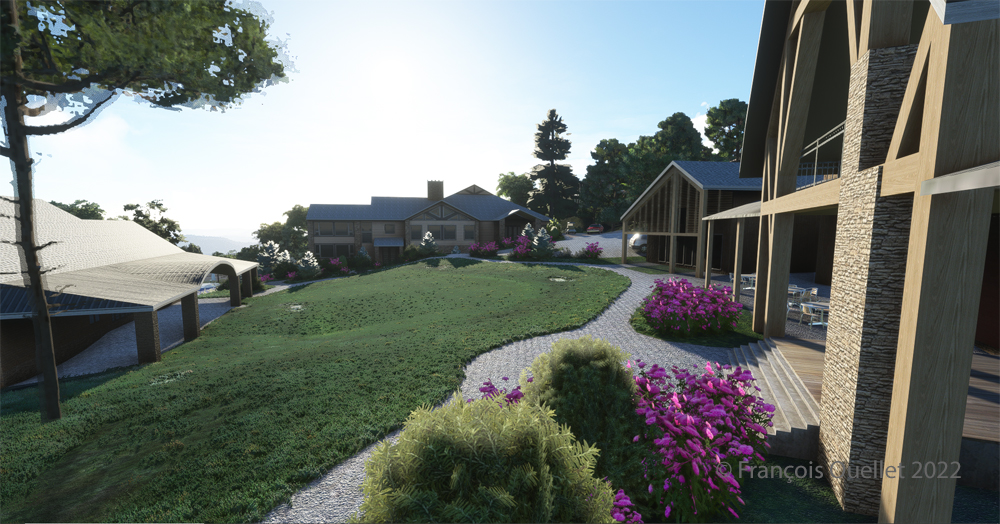
Buildings and flowers at the Mountain Air County Club airport (2NC0) created by Pilot's for MSFS 2020.
Buildings and flowers at the Mountain Air County Club airport (2NC0) created by Pilot’s for MSFS 2020.

A final photo shows the buildings and flowers associated with the golf club. The bird recordings are easily heard, which enhance the scene. Flight simulation enthusiasts wishing to repeat the experience should do so under VFR conditions to keep an eye on the mountain tops during the approach.

Click on the link for more challenging virtual flights under MSFS 2020 and FSX on my blog.

Categories
Flight Simulation Screen captures

A few Microsoft Flight Simulator 2020 screenshots.

Below are a few Microsoft Flight Simulator 2020 (MFS 2020) screen captures taken during virtual flights.

Le Mont St-Michel en France, sous MFS 2020.

Mont St-Michel is a very nice addition to the France virtual scenery provided by MFS 2020. Such great sites can be found in many places in the Microsoft Flight Simulator 2020 program, but many more are also available for free through the flight simulation community : they can then be downloaded and installed in MFS 2020, thus ever improving the overall experience.

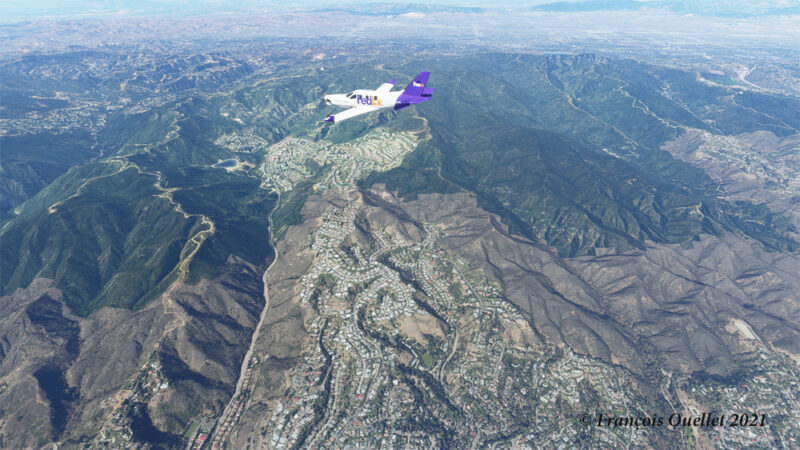
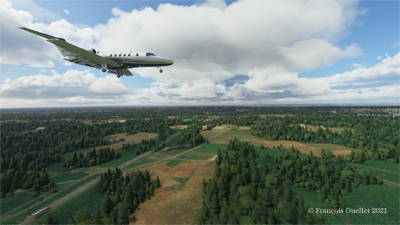
Heading to KLAX from KBUR with a TBM 930 on the flight simulator MFS 2020.

The haze is quite present in the Los Angeles area and adds to the realism in the screenshot above. The FedEx livery comes from « Liveries Mega Pack Manager ».

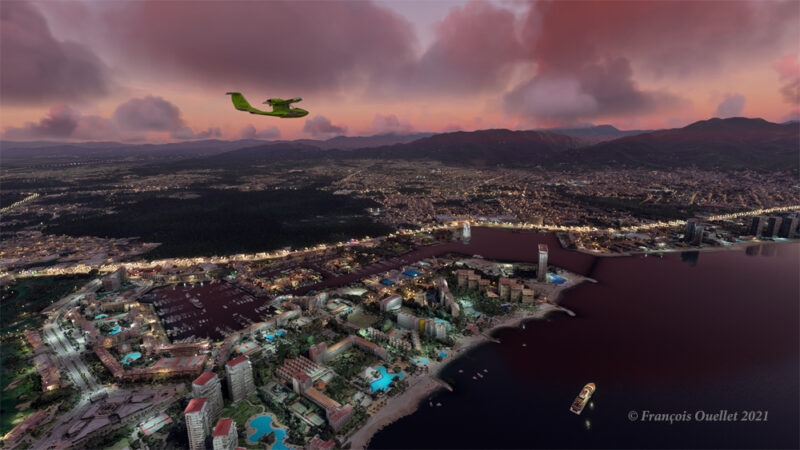
Puerto Vallarta with MFS 2020 and improved scenery by John Lovell

The Icon A5 Kingfisher is seen flying along the Puerto Vallarta coast in Mexico. The scenery was hugely improved by John Lovell and is available through Flightsim.to. But it will require 5 GiG on your hard disk!

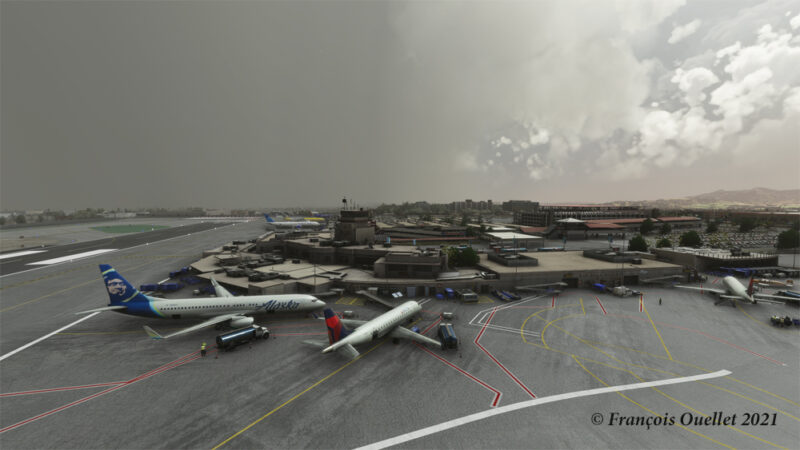
The Burbank Bob Hope (KBUR) modelized by Orbx on the flight simulator MFS 2020.

The picture above shows a small part of the Burbank Bob Hope airport (KBUR) modelized by Orbx. The screen capture was taken with the X-Box drone. This drone is a fantastic addition to what is now available to flight simulation enthousiasts when comes the time to bring back souvenirs from a flight.

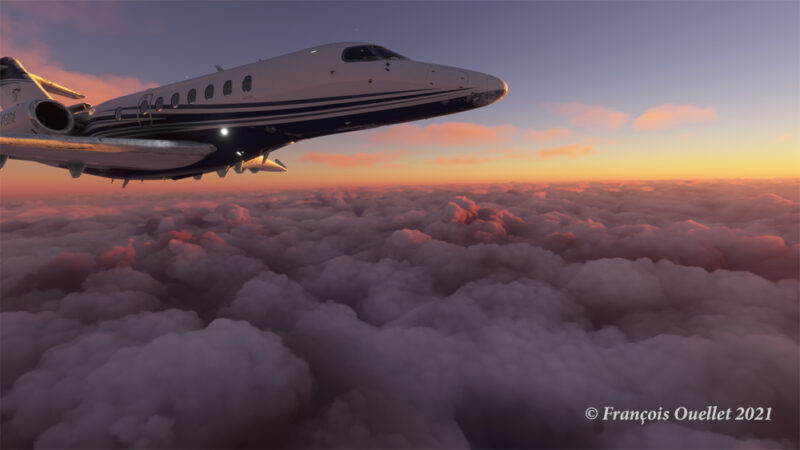
Heading to Iqaluit with the flight simulator MFS 2020.

Enroute to Iqaluit (CYFB), the jet just got out of the cloud deck and some rime icing is still visible on the nose and the wing’s leading edge. That evening, there was a sigmet reporting high level turbulence and it is exactly what I experienced during the flight, using REX Weather Force 2020 as a weather engine.

I’ll be back with more flight simulation screen captures soon. Meanwhile, have a good virtual flight!

Click on the following link for virtual flight simulation pictures on my blog.
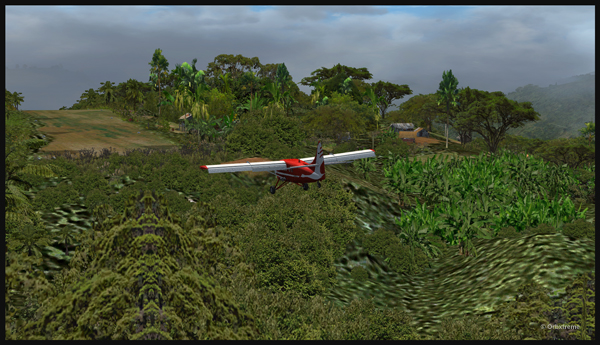
Categories
Flight Simulation

Microsoft Flight Simulator 2020

Approaching the Narita international airport, in Japan, with Microsoft Flight Simulator 2020.

The Microsoft Flight Simulator 2020 is an extremely interesting product. Microsoft is taking advantage of the satellite imagery offered by Bing, which allows the flight simulation enthusiast to fly over the world almost like in the real life. With the addition of live weather and air traffic in real time, the immersion is incredible.

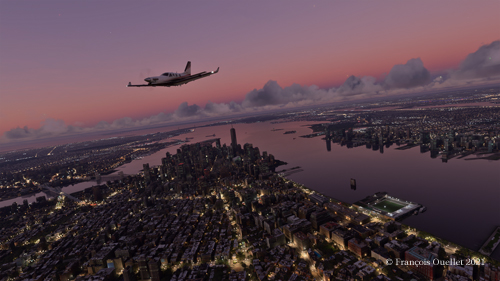
Flying over New York in the evening with Microsoft Flight Simulator 2020.

To download the game’s 128 gigabytes using my current internet plan, it took fourteen hours. I still remember when I bought a hard drive that could hold 30 megabytes of data: it was a computer revolution!

Of course, the game requires an adaptation. We are far from the old FSX platform. It goes without saying that you need a high-performance computer. But a new and very positive aspect of this simulator is that you can now use an X-Box controller as an in-flight camera, with the addition of a rudder and a steering wheel for more reality. This camera offers incredible possibilities and the additional X-Box controller becomes essential.

The Zlin Savage Cub flying over the United States using Microsoft Flight Simulator 2020.

As with anything new, there are some glitches. Personally, I have been using the CH company products for flight simulation for many years and the new MSFS 2020 has had problems recognizing the functions of CH products. Many virtual flight enthousiasts have had the same problems. So here are the links below that allowed a neophyte like me to solve the problems.

A first video of interest is also available. Its author uses a slightly different method, but it is super easy to understand and allows you to acquire additional knowledge if you want to map your CH rudder and control column correctly.

A second video gives you access to the CH company products. There you will find the links that allow you to print a representation of your CH flight controls. This will allow you to find which number is associated with a specific command control. You can then remap the controls to your taste and keep a record of all the modifications you made.

Here are two other practical links for answers to various questions about X-Box and other subjects and CH products.

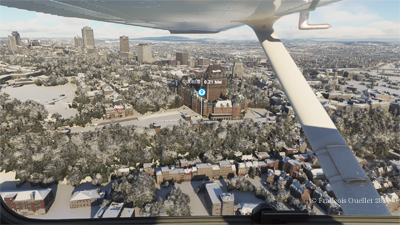
Aerial view of Quebec City using Microsoft Flight Simulator 2020.

In the screenshot above, you might recognize Quebec City, with the restaurant Le Concorde in the distance on the left, followed by the Edifice Marie-Guyart, a part of the Plains of Abraham, the Château Frontenac, the Price building and the lower town.

Have a good flight!

Click on the link for other flight simulation articles on my blog.
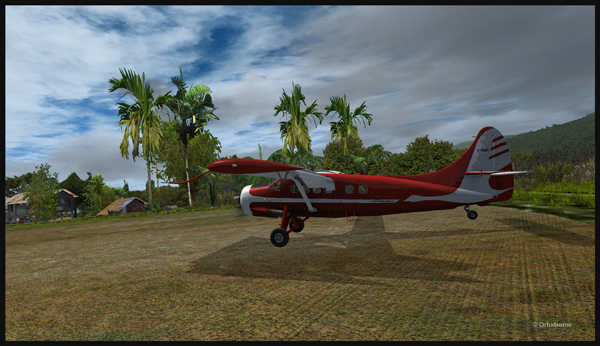
Categories
Flight Simulation

Complete edition of the orbx freeware and payware virtual airport list.

The complete edition of the Orbx freeware and payware virtual airports, dated June 09 2019, is in the downloadable file below. The runway details and airport elevation is included. It will be updated regularly.

The information in the PDF file is in colour. The airports in black are part of the global pack freewares. The airports in green are freewares that are not part of the global packs. The airports in blue are payware airports.

When a runway is in orange, it means that the length of the runway is 2000 ft or below, and/or the width is 60 ft or below. The water aerodrome are defined by the word “water” in blue. Finally, the elevation of the airport is in red at the end of the runway details.

Complete list of freeware and payware airports with runway description

Categories
Flight Simulation

Fourth edition of the Orbx freeware and payware virtual airport list.

The fourth edition of the Orbx freeware and payware virtual airports, dated June 02 2019 is in the downloadable file below. The list of airports is complete. I still have to add runway details to several airports.

The information in the PDF file is in colour. The airports in black are part of the global pack freewares. The airports in green are freewares that are not part of the global packs. The airports in blue are payware airports.

When a runway is in orange, it means that the length of the runway is 2000 ft or below, and/or the width is 60 ft or below. The water aerodrome are defined by the word “water” in blue. Finally, the elevation of the airport is in red at the end of the runway details.

Fourth edition of the Orbx freeware and payware airport list.

Categories
Flight Simulation

Third update of the orbx freeware and payware virtual airport list.

The third edition of the Orbx freeware and payware virtual airports, dated May 26 2019 is in the downloadable file below. The list is not completed yet, but there is constant progress.

The information in the PDF file is in colour. The airport in black is part of the global pack freeware. The airport in green is a freeware that is not part of the global pack. The airport in blue is a payware airport.

When a runway is in orange, it means that the length of the runway is 2000 ft or below, and/or the width is 60 ft or below. The water aerodrome are defined by the word “water” in blue. Finally, the elevation of the airport is in red at the end of the runway details.

Third edition of the Orbx freeware and payware airport list. (2)

Categories
Flight Simulation

freeware and payware list of orbx virtual airports.

My second edition of the Orbx freeware and payware virtual airports, dated May 19 2019 is in the downloadable file below (the link in green). The list is not completed yet.

The information in the PDF file is in colour. The airport in black is part of the global pack freeware. The airport in green is a freeware that is not part of the global pack. The airport in blue is a payware airport.

When a runway is in orange, it means that the length of the runway is 2000 ft or below, and/or the width is 60 ft or below. The water aerodrome are defined by the word “water” in blue. Finally, the elevation of the airport is in red at the end of the runway details.

Second edition of the Orbx freeware and payware airports.


Categories
Flight Simulation

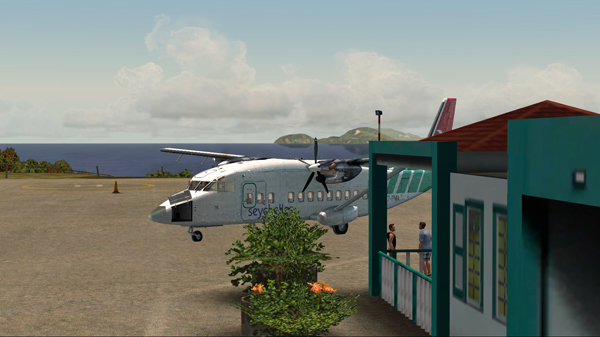
The Shorts 360 and the Juancho E. Yrausquin (SAB) airport.

In the unhinged virtual flights section of my blog, you can now find a flight with the Shorts 360 between the St.Maartens (Princess Juliana Intl) airport and the Juancho E. Yrausquin (SABA, SAB or TNCS) airport.

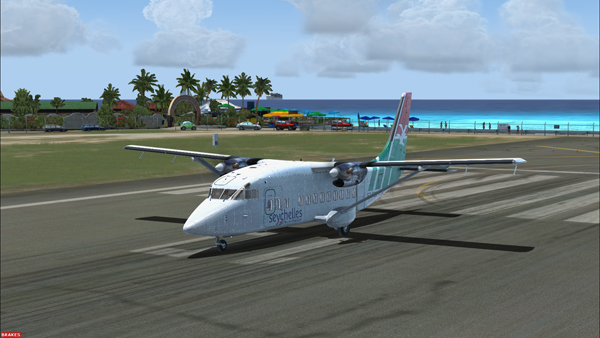
The Shorts 360 at the Princess Juliana Intl, ready for take-off for the Juancho E. Yrausquin airport.

The Juancho E. Yrausquin is normally used by a DHC-6, a BN-2 and some helicopters.

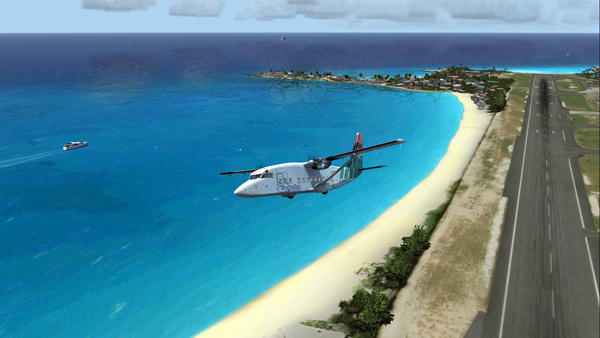
The Shorts 360 is airborne from the Princess Juliana Intl airport.

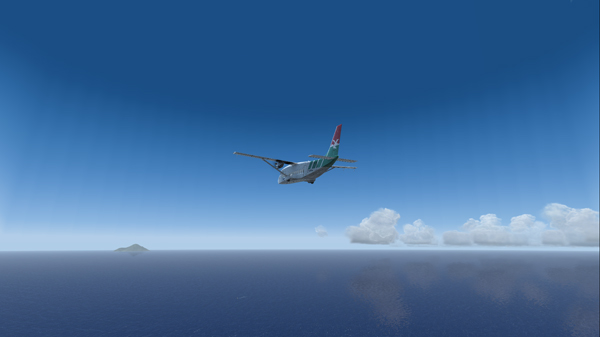
The island is in sight…

The Shorts 360 and the Saba island in sight.

The official landing and take-off distances required for the Shorts 360 are longer than what the Juancho E. Yrausquin (SAB), with its 1299 ft short runway, has to offer.

But for the flight simulation enthousiast (FSX), SABA offers an interesting challenge since a very well adjusted approach, at about 90 knots, is necessary in order to use only the authorized part of the runway.

Le Shorts 360 and the SABA island.

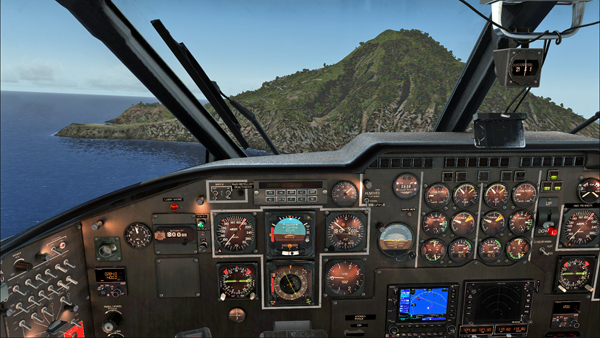
Runway 12 in sight, on the extreme left side of the photo. The speed and altitude are adjusted.

The approach is made on runway 12. The winds blow from 180/07. The approach is made with full flaps.

The Shorts 360 is on short final for runway 12 at the Juancho E. Yrausquin airport.
The Shorts 360 is about to land at the SABA airport.

The aircraft is immobilized within the authorized portion of the runway. The rest of the runway is used to turn around and head for the apron.

The Shorts 360 after its landing on runway 12 at the Juancho E. Yrausquin airport.
The Shorts 360 is exiting runway 12 at the Juancho E. Yrausquin airport.
The Shorts 360 is parked at the Juancho E. Yrausquin airport.

The Shorts 360 can also barely leave the airport using the authorized portion of the runway. The speed on take-off varies between 100 and 110 kts and the flaps are adjusted to 2/3.

Have a good flight!

Click on the link for other unhinged virtual flights on my blog.

Categories
Flight Simulation

The treacherous Launumu short sloped runway in Papua New Guinea.

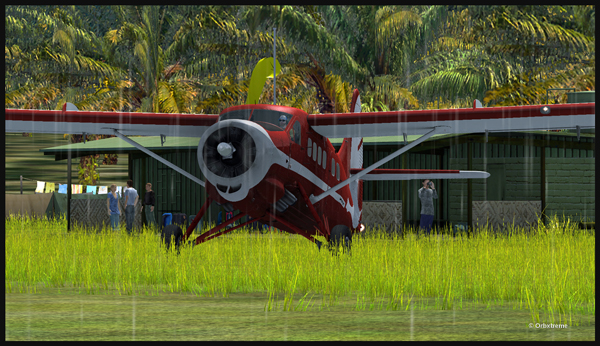
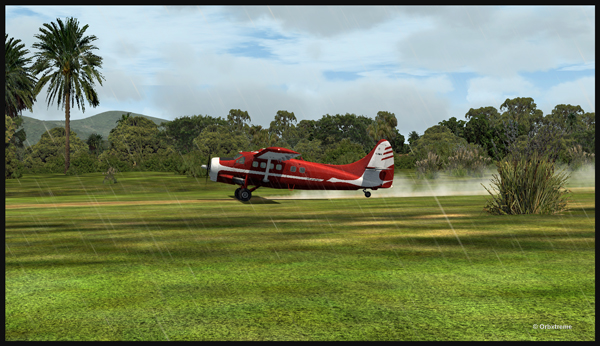
An Air Saguenay DHC-3 Otter has made it from Québec to Kokoda, in Papua New Guinea. It is expected to work around the remote mountain airfields for a while.

The Air Saguenay Otter is taxiing for the Kokoda runway towards Launumu in Papua New Guinea.

Today, the Otter heads for Launumu, a mountain airfield that is at an elevation of 5082 ft asl and 1200 feet long.

The Air Saguenay Otter departing Kokoda.

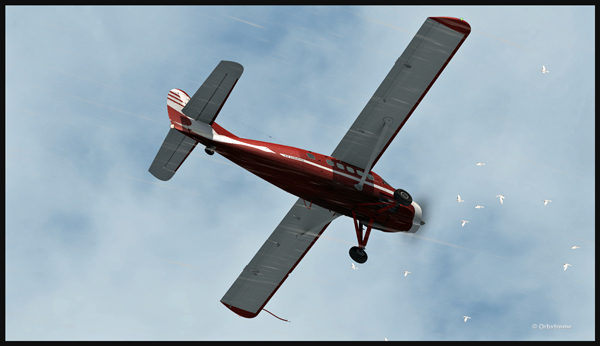
The pilot has to watch for the birds in order to avoid any collision in flight…

Otter aircraft and birds.

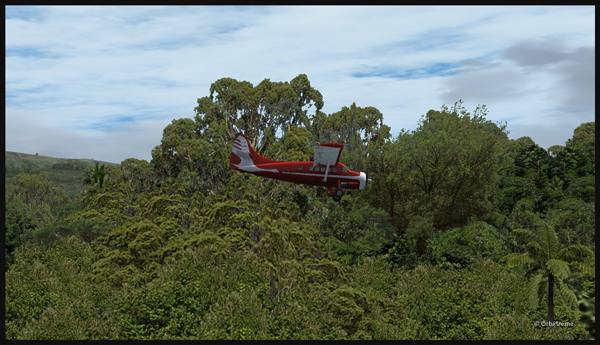
Following the Kokoda trail is a good way to reach Launumu.

The Otter in the Papua New Guinea mountains, following the Kokoda Trail.

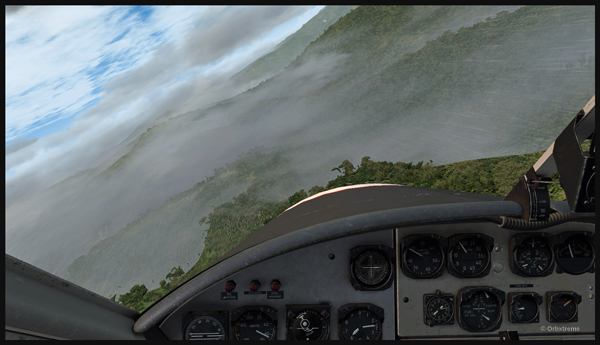
If the mixture is not adjusted, the Otter will lose a lot of steam trying to climb up to 7,500 feet to cross the first line of mountains.

Inside the Otter cockpit, with the mixture adjusted.

Anybody landing and departing from Launumu deals with high density altitude. This is not only due to the elevation of the airfield but also to the very warm and moist air present in the region. Consequently, some additional airspeed is required on the approach and on the departure.

The Launumu runway is in sight.

When a pilot lands southwestward in Launumu coming from Kokoda, he must dive in a valley to lose altitude, which will increase the aircraft’s airspeed. The Launumu runway is in sight.

If the airspeed is not promptly corrected, the approach to the Launumu runway will be too fast. Any airspeed above 60 knots forces the pilot to overshoot (unless you are ready to virtually die a few times while trying).

Losing altitude while respecting the flaps speed limit.

So, once the higher mountains are crossed, a good way of losing altitude without gaining airspeed is to use flaps (at the corresponding airspeed) and do a tight 360 degree coordinated turn while descending. That way, the pilot will end up in line with the runway and at the speed you want, which is around 50 knots.

Turning and descending in the valley during an approach for Launumu.

The Otter floats endlessly because of its huge wings.

The Air Saguenay Otter is on approach for the Launumu short runway in Papua New Guinea.

On final for Launumu, the pilot might end up having to deal with the bushes that are close to the runway. It is not unusual for the Otter or the Beaver to complete a difficult approach with bushes wrapped around the landing gear.

A Air Saguenay Otter is on final for the Launumu mountain runway.
A Otter aircraft is arriving on the Launumu high altitude runway.

Launumu has a surprise for the newcomers. If the pilot lands southwestward, like it was just done here, and the aircraft is not stopped within approximately 600 feet, it starts accelerating since there is a pronounced slope downward in the second half of the runway. This slope leads to a cliff. In case of a missed approach, the pilot can use the slope downwards and dive in the valley at the end of the runway to build up airspeed and start a new approach.

Now that the hard work is done, it is time to wait for the passengers and cargo, and plan the next leg…

A Otter aircraft is backtracking the Launumu runway after landing.
A Otter aircraft is parked on the Launumu runway in Papua New Guinea.

The virtual scenery and clouds required softwares like REX, REX Texture Direct, Cumulus X, FTX Global, FTX Global Vector and Pilot’s FS Global 2010.

Click on the link for other challenging virtual flights on my blog.
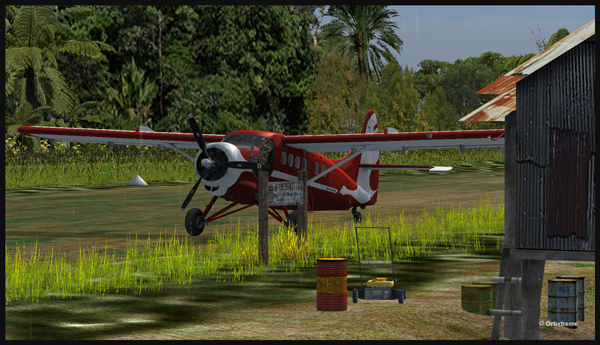
Categories
Flight Simulation

Gliding operations on a 12 degree sloped runway in Papua New Guinea

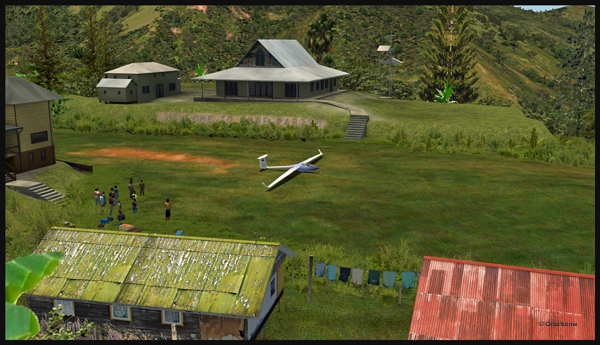
Well, that is it! The first glider just arrived at the Fane Parish airport in Papua New Guinea…

Glider on the Fane Parish short grass runway in Papua New Guinea.
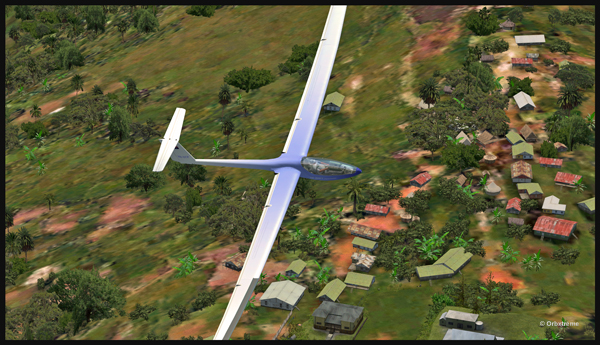

Before it is officially offered as a tourist attraction for the region, some attempts at taking-off and landing must be done. The first trial attracts a few people!

Aircraft and glider on the Fane Parish mountain airfield.

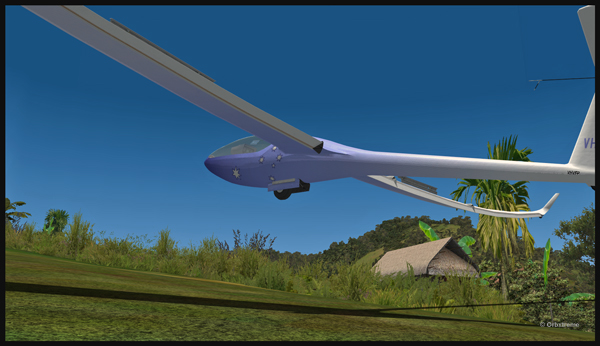
The descent along the twelve degree sloped runway is a bit rough for the glider’s low wings, as there are some bushes that will have to be trimmed!

An aircraft pulls a glider after the take-off from the Fane Parish sloped runway in Papua New Guinea.

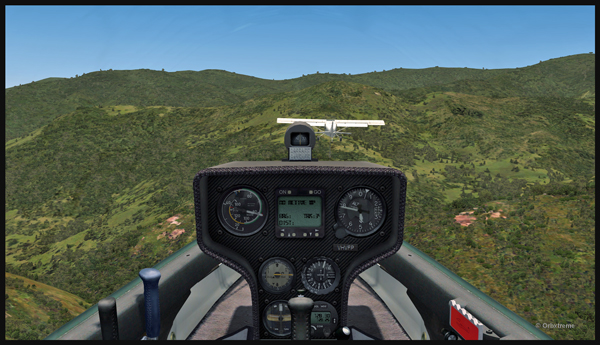
The weather is nice and very warm. The only potential problem is the mountain ahead.

Glider being towed by an aircraft after the take-off from the Fane Parish mountain airfield.

Finally, the pilot cuts the link. He is free to go!

The link is cut between the plane and the glider after the take-off from Fane Parish.

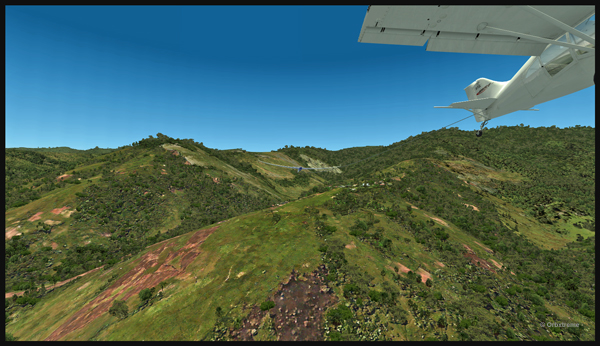
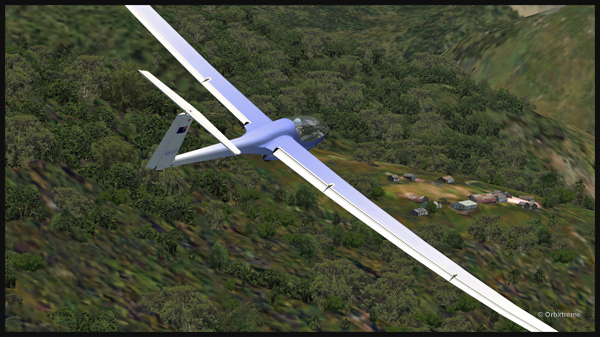
The glider flies silently over the lush area of Papua New Guinea.

Virtually gliding over the Papua New Guinea territory (FSX).

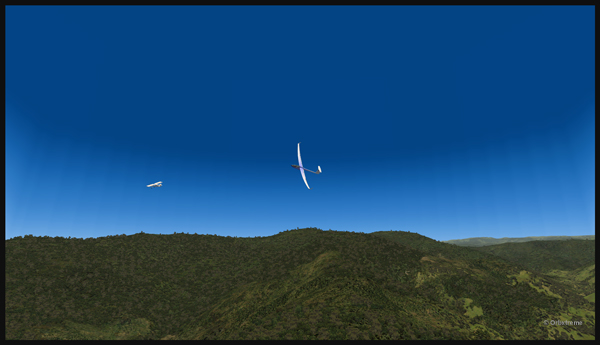
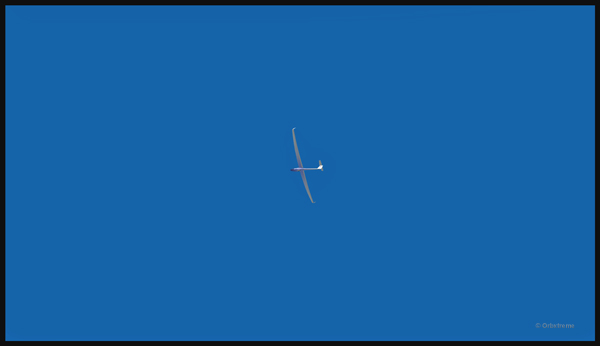
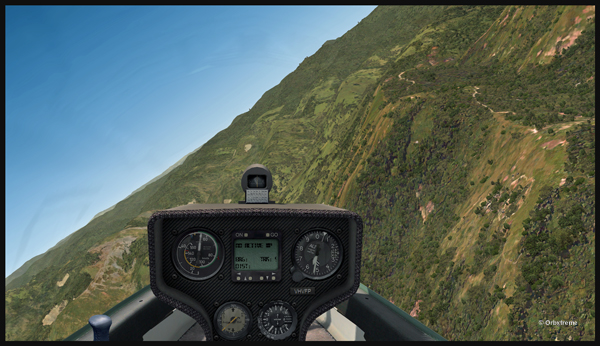
Using the rising warm air currents, the glider gains altitude.

The glider gains altitude.

Why not a pass over Fane?

Gliding over the Fane Parish village.

Here is another isolated village alongside a mountain.

Flight with a virtual glider over an isolated village of Papua New Guinea.

A last steep turn in order to realign for the approach at Fane Parish.

Last steep turn for a short landing on the Fane Parish mountain sloped runway.

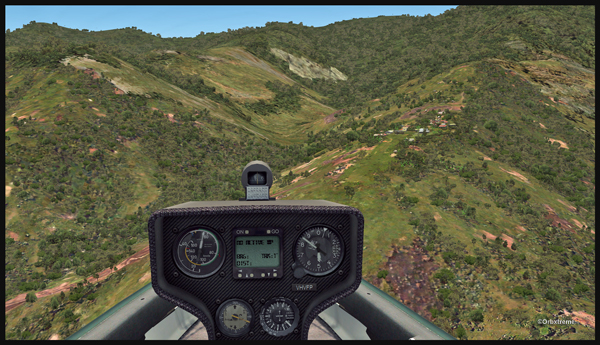
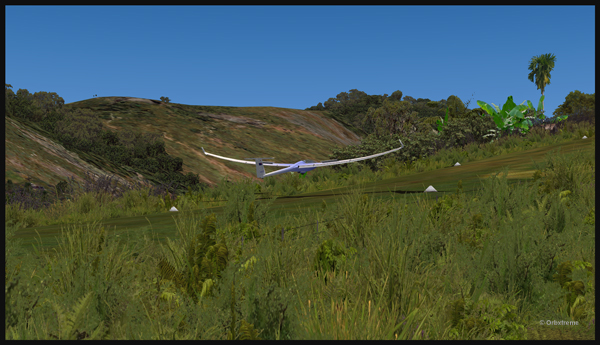
The airbrakes are out and the speed reasonable. The sloped runway is just ahead, on top of the mountain to the right.

Approach of a glider on the elevated airfield at Fane Parish in Papua New Guinea. The speed and angle of approach are right on target.

Keeping just enough altitude on the approach to be safe.

Glider approaching the 12 degree sloped runway of the Fane Parish aerodrome.

Now that the landing is a sure thing, it is time to use the airbrakes again to slow down as much as possible.

Virtual glider arriving over the Fane Parish runway in Papua New Guinea. The airbrakes are being used.

Keeping in mind that this mountain airfield as a good slope, it is better to have a bit of extra speed. Nobody likes to stall a few feet over a runway!

Virtual glider with airbrakes over the Fane Parish runway

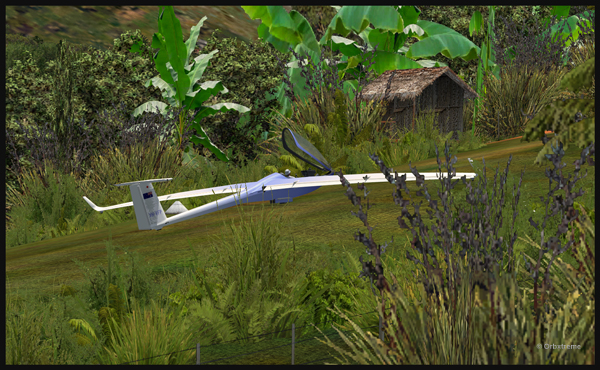
What an experience it was! But I’ll need some help to pull the glider up the slope!

Glider on the Fane Parish runway

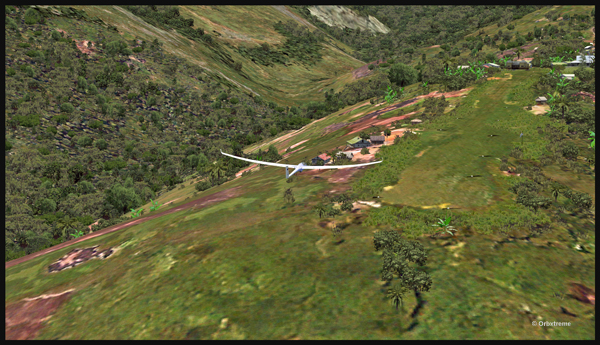
The virtual flight was great, the view was worth every penny, and I think that this could become a new touristic attraction for the region and the more wealthy visitors…

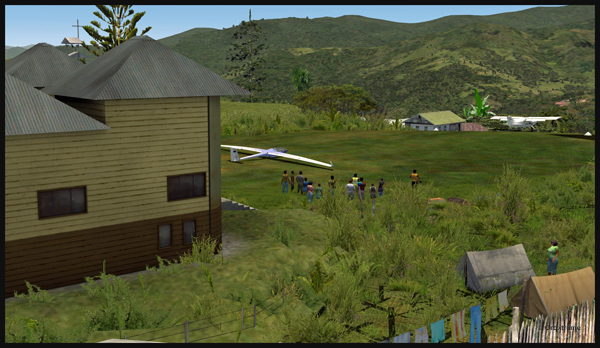
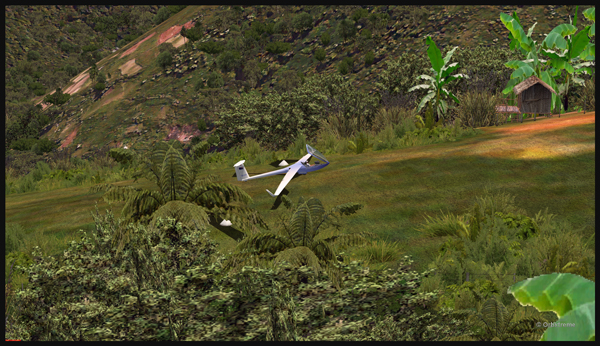
The glider has landed on the runway at the Fane Parish airport in Papua New Guinea.

Click on the link for other challenging virtual flights on my blog.